



Stripe is an absolute powerhouse for any business taking payments online. In simple terms, it's a platform that lets UK companies accept credit cards, debit cards, and a whole host of other payment methods directly through their website or app, securely and without fuss.
From freelance creatives getting their first clients to massive e-commerce brands, Stripe has become the backbone of online payments in the UK. This isn't by chance; the platform was built from the ground up for people who need a reliable, flexible system that just works. Its popularity is undeniable, with roughly 86,247 live UK websites actively using it to process their payments, according to a 2025 Red Stag Fulfillment report.
But here’s the thing many business owners discover: taking the payment is the easy part. The real challenge often lies in what comes after the 'cha-ching'.
Getting your head around the financial side of Stripe can quickly feel overwhelming. You've got to think about:
Think of this guide as your roadmap. We’ll walk you through the entire process, step-by-step, with practical advice to keep your finances in order. You'll learn how to manage your UK tax obligations correctly and link Stripe with tools like Xero and QuickBooks, turning a potential headache into a streamlined part of your e-commerce accounting.
To really get a grip on your business finances, you need to follow the money. When a customer pays you through Stripe, that money doesn't just magically appear in your bank account a second later. It actually goes on a bit of a journey, kind of like a digital sorting office for your funds.
First, the customer's bank gives the transaction the green light—this is the authorisation. Then, the funds are captured and held safely by Stripe. Finally, after a short period, Stripe bundles these payments into a payout that lands in your business bank account. Getting your head around this flow is vital, especially when it's time to sit down and reconcile your books. If you're new to this, making sure you know how to set up a business bank account properly is the first step to managing these payouts without any headaches.
This journey from your customer's click to cash in your account is the key to understanding how your sales, Stripe's fees, and your bookkeeping are all connected.
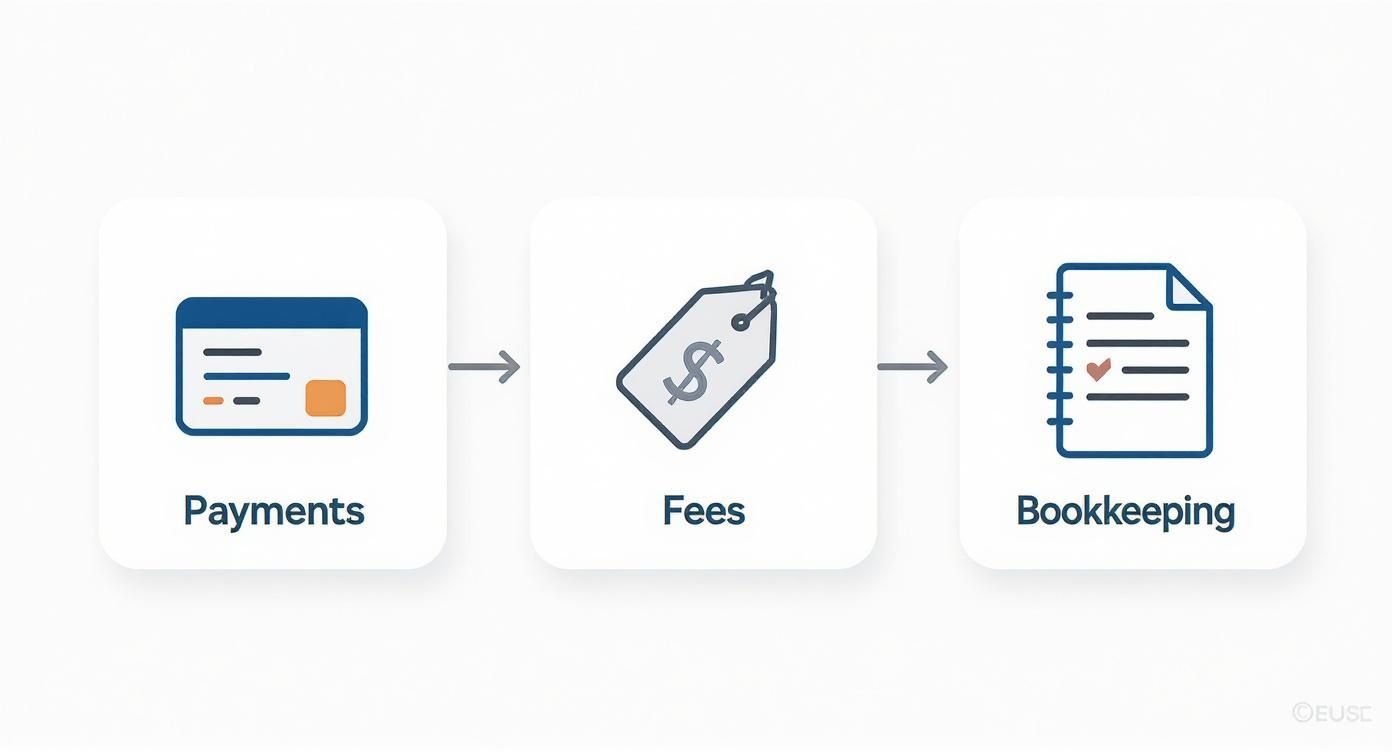
As you can see, mastering Stripe really comes down to three things: understanding the payment journey, knowing what fees are being deducted, and keeping your bookkeeping spot on.
For most UK businesses, Stripe keeps its pricing pretty straightforward, but it's the details that count. The fees are usually a mix of a percentage of the sale plus a small fixed amount. The main thing that changes the cost is where your customer's card comes from.
Stripe's pay-as-you-go model is a massive plus. You're only charged when you actually make a sale, and there are no monthly fees for a standard account. This makes it a brilliant, low-risk option for businesses of all shapes and sizes.
To give you a clearer picture, here’s a quick table of the standard transaction fees you can expect.
As the table shows, your transaction costs will fluctuate depending on whether your customers are local or international.
Knowing these numbers is the first step towards accurate financial planning. If you want to get a practical feel for what these fees look like on your actual sales, using a good Stripe Fee Calculator can help you forecast your costs and avoid any nasty surprises when you check your bank balance.
Getting your head around tax is a massive part of running any UK business, and when you bring Stripe into the mix, there are a couple of extra wrinkles to smooth out. If you’re VAT-registered, it’s not just about charging the right VAT on your sales. You also have to deal with the VAT on Stripe’s own fees.
It sounds a bit complicated at first, but once you get the hang of it, it's pretty straightforward.
Because Stripe’s European HQ is in Ireland, their fees are subject to something called the reverse charge mechanism. Think of it this way: instead of Stripe charging you UK VAT, the job of accounting for it is "reversed" back to you. On your VAT return, you have to declare this VAT as if you’ve both paid it and claimed it back at the same time.
For a VAT-registered business, this usually means the net effect on your VAT bill is zero. But make no mistake, this is a non-negotiable reporting requirement. Getting the reverse charge wrong is one of the most common compliance slip-ups we see.
Nailing the VAT on your products and services is obviously the top priority. When you use Stripe, this is handled by whatever you use to sell online—be it Shopify, WooCommerce, or your invoicing software. Your system needs to be smart enough to know where your customer is and what you’re selling, so it can apply the right UK VAT rate: 20% (standard), 5% (reduced), or 0% (zero-rated).
This gets even more important if you sell to customers outside the UK, where a whole different set of "place of supply" rules kick in. A properly set-up system makes sure every sale processed through Stripe has the correct VAT on the invoice, which makes your life a lot easier when it’s time to file.
Getting this right from day one is key. It's why many businesses get expert help with their VAT returns – it gives you peace of mind and helps you sidestep expensive mistakes later on. Setting up these tax rules correctly in your sales platform is the first building block for clean, compliant books.
If you’re a business owner, the last thing you want to be doing is spending hours manually entering data. Trying to reconcile Stripe transactions, fees, and payouts line by line isn’t just mind-numbingly tedious; it’s a surefire way to make mistakes that throw your financial reports completely off track.
The answer is to cut out the manual work entirely by linking Stripe directly to your accounting software. For most UK businesses, that means choosing between the two heavyweights: Xero and QuickBooks. Both platforms offer brilliant ways to sync your sales data, but how you connect them is what really counts. Your goal here is to create a seamless flow of information that gives you an accurate, real-time picture of your company's financial health.
When it comes to linking Stripe with your accounts, you’ve got two main routes: the official, native integrations built by Xero or QuickBooks, or specialist third-party connector apps.
While the free, official apps are tempting, they often have a major drawback. They tend to lump each Stripe payout into a single, consolidated figure. This makes it impossible to see the individual transactions, fees, and refunds that make up that total, leading to massive reconciliation headaches later on. It’s for this reason that most accountants will steer you towards a dedicated third-party connector for much greater accuracy.
The right integration transforms your bookkeeping from a reactive chore into a proactive tool. It ensures every penny from your Stripe sales is accounted for, providing a true picture of your profitability and cash flow.
A crucial step in this process is mapping your accounts. This is simply telling the software where each type of transaction should go. For instance, sales revenue needs to land in a "Sales" account, while Stripe’s processing fees should be logged under "Bank Fees" or "Cost of Sales." Getting this mapping right is fundamental to generating accurate profit and loss statements. You can explore our guide on the best cloud accounting software for startups to see which platform might be the best fit for you.
This level of detailed integration is a key reason why Stripe's market share in the UK continues to climb, with its European presence projected to hit 15.8% by 2025. Businesses rely on its ability to plug directly into their financial workflows. Exploring the accounts receivable automation benefits can also reveal further ways to make your financial operations even smoother.
While Stripe is fantastic at making payments feel seamless for your customers, behind the scenes, a few common accounting hurdles can trip up even the most careful business owner. If you don't get a handle on them early, you're setting yourself up for a real reconciliation nightmare down the line.
The biggest headaches almost always come from money flowing in the wrong direction. When you issue a refund, for instance, you send the sale amount back to the customer, but Stripe keeps its original fee. Then there are chargebacks – a forced reversal from the customer’s bank – which not only pull back the original transaction amount but also slap you with a hefty dispute fee. These need to be logged as separate expenses, not just knocked off your sales figures, if you want a true picture of your costs.

Getting this stuff right is non-negotiable, especially when you consider how widespread Stripe is. By 2025, it was already powering around 86,247 live websites in the UK, making it a proper cornerstone of our e-commerce landscape. With that many businesses on board, understanding the financial nitty-gritty is vital. You can read more about Stripe's impressive UK adoption rates to get a sense of its sheer scale.
This is probably the single biggest source of confusion for new Stripe users. You see a lump sum payout land in your bank account, and the natural instinct is to try and match it to a batch of sales invoices. Don't do it. That single Stripe Payout bundles together dozens of sales, minus all the fees, plus any refunds or chargebacks from that period.
The key is to stop thinking about the payout total. Instead, your accounting software should see every individual sale and its corresponding fee. Treat the payout as nothing more than a simple transfer from your Stripe "holding" account to your actual bank account.
This is the only way to make sure every single transaction is accounted for correctly. If that sounds a bit fiddly, professional bookkeeping services can get a rock-solid system in place for you from day one.
Selling to customers abroad? That adds another layer to the puzzle. When you make a sale in another currency, Stripe handles the conversion to GBP before it pays you. Your books need to reflect this properly. This means:
Keeping on top of these moving parts ensures your international sales are accurately logged in your GBP accounts. It keeps you compliant and gives you a much clearer view of how your business is actually performing on the world stage.
Getting to grips with a new payment system always throws up a few questions. To save you some time, here’s a quick-fire round of the most common queries we hear from UK businesses using Stripe for the first time.
Yes, you absolutely can. While Stripe is famous for its slick website integrations, you don't need one to get paid. You can create and share Payment Links directly with your customers through email, social media, or even a text message.
It’s a perfect setup for freelancers, consultants, or any business that takes orders manually and doesn't need a full-blown e-commerce store.
Stripe gives you control over your payout schedule. For most UK businesses, the default is a 2-day rolling basis. In simple terms, this means the money from a sale you make on Monday should land in your bank account on Wednesday.
If that doesn't suit your cash flow, you can easily switch to weekly or even monthly payouts right from your Stripe dashboard.
Just a heads-up: your very first payout will take a bit longer, usually around 7-14 days. This is standard practice while Stripe runs some initial verification checks on your new account.
No, your Stripe account is not a bank account. Think of it more like a temporary holding bay for your money. It acts as a merchant account, collecting funds from your customers before transferring them (in a payout) to your actual linked business bank account.
This is an important distinction because it means any funds sitting in your Stripe balance are not protected by the Financial Services Compensation Scheme (FSCS).
Not at all. You don’t need to be VAT-registered to open a Stripe account and start accepting payments. Any UK business can sign up, including sole traders who are well below the VAT threshold.
However, using Stripe doesn't change your tax obligations. It's still your responsibility to monitor your turnover and make sure you register for VAT with HMRC as soon as you're legally required to.
Making sure the financial side of Stripe is handled correctly from day one can save a world of pain later on. At GenTax Accountants, we specialise in turning that complex transaction data into clear, actionable financial insights for UK businesses.
