



Before you can even start looking, you need to know exactly what you’re hunting for. A company Unique Taxpayer Reference (UTR) is a specific 10-digit code issued by HMRC, and it's absolutely vital for managing your Corporation Tax. It should arrive in the post not long after you register your new company with Companies House.
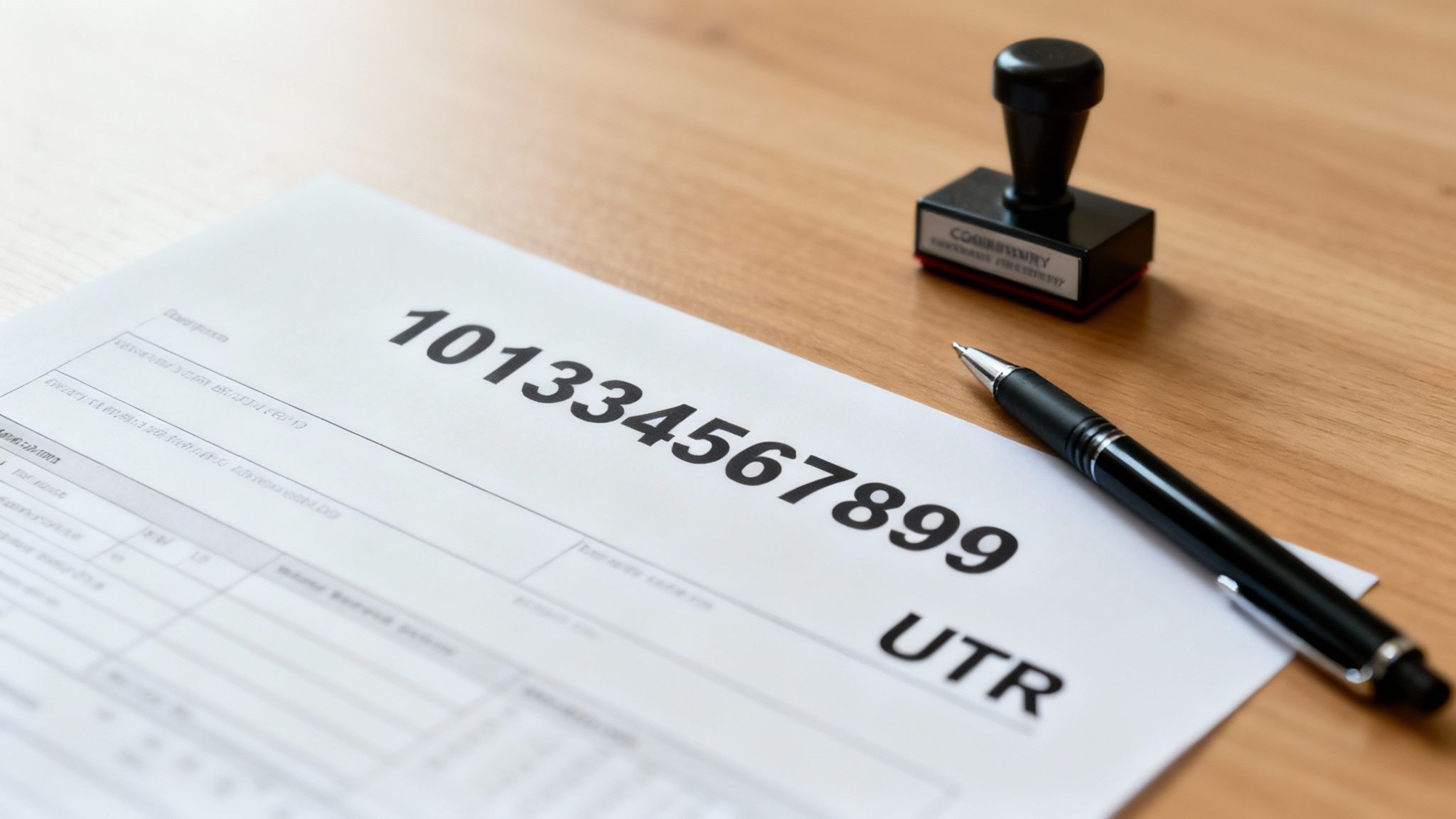
Think of the UTR as your business’s unique ID for all things tax. You’ll find yourself needing it for a handful of critical tasks, which makes it a real cornerstone of your company's financial admin. Without it, you simply can't file your company tax return, get in touch with HMRC about your business, or give your accountant the authority to act on your behalf.
Your company's UTR is totally separate from your personal one. The business UTR is for Corporation Tax, while your personal UTR is for your own Self Assessment tax return. Mixing these two up is a surprisingly common mistake and can lead to some real headaches and filing errors down the line.
This 10-digit code is HMRC's way of uniquely identifying your business within the UK tax system. Getting one is a natural part of setting up your company; it follows on from the main Steps to Register a New Company in the UK.
Understanding what the UTR is for makes it obvious why you need to keep it safe. For all UK limited companies, it’s the key to keeping your tax affairs smooth, compliant, and stress-free.
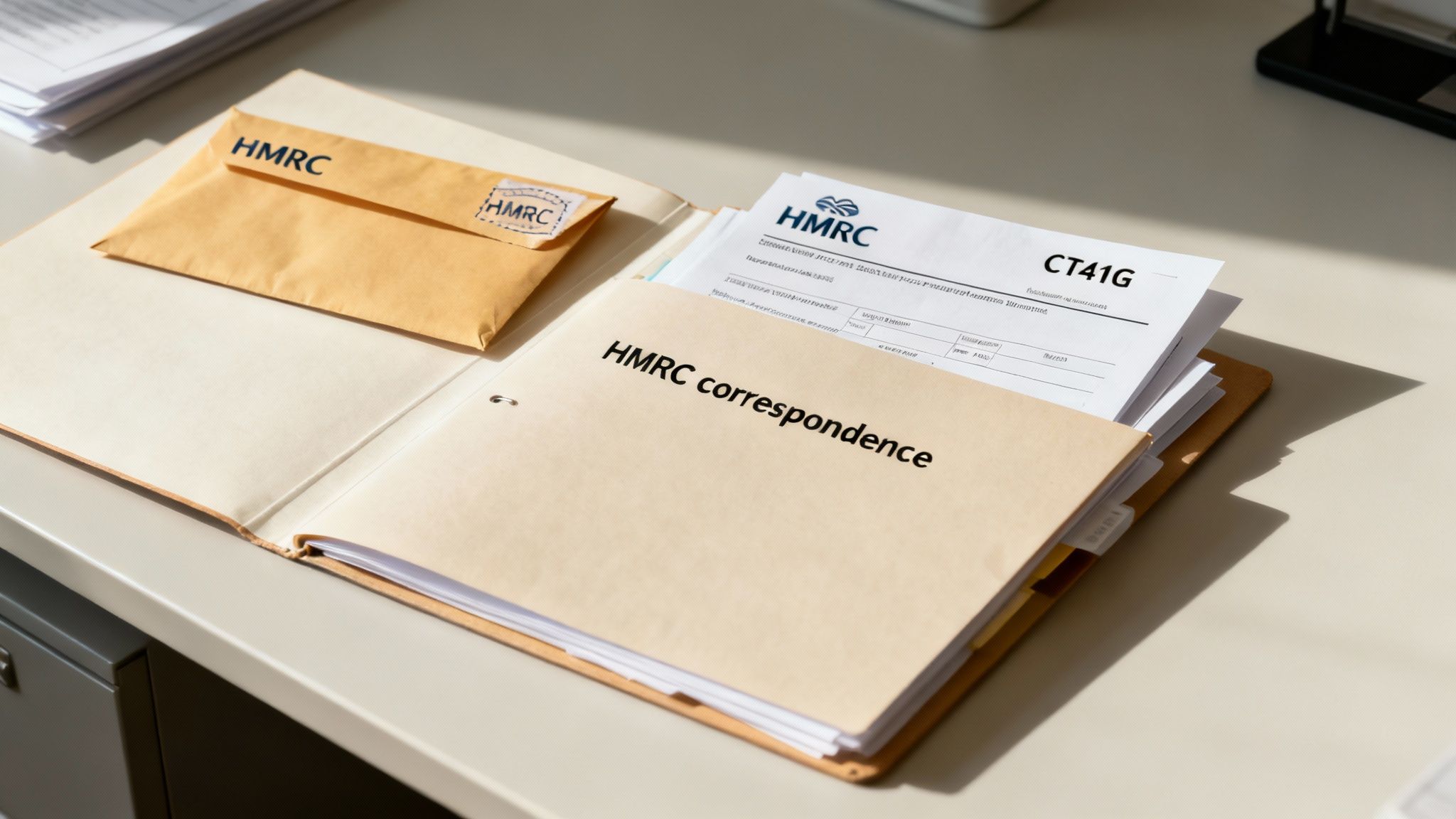
Before you start digging through online portals, the quickest win is often right in front of you. HMRC puts your company's 10-digit UTR number on nearly every important piece of Corporation Tax correspondence it sends out.
It's surprisingly easy to overlook, but taking a few minutes to check your files—both paper and digital—can save you a massive headache. Chances are, you already have a document with the number you need.
Your UTR is usually printed in a fairly obvious spot, often near your company’s name and registered office address. Grab your files and look specifically for these documents:
Pro Tip: If you haven’t already, get into the habit of creating a dedicated folder for all HMRC correspondence. Whether it's a physical ring binder or a folder on your computer, keeping everything in one place means that crucial 10-digit number is always at your fingertips when you or your accountant need it.
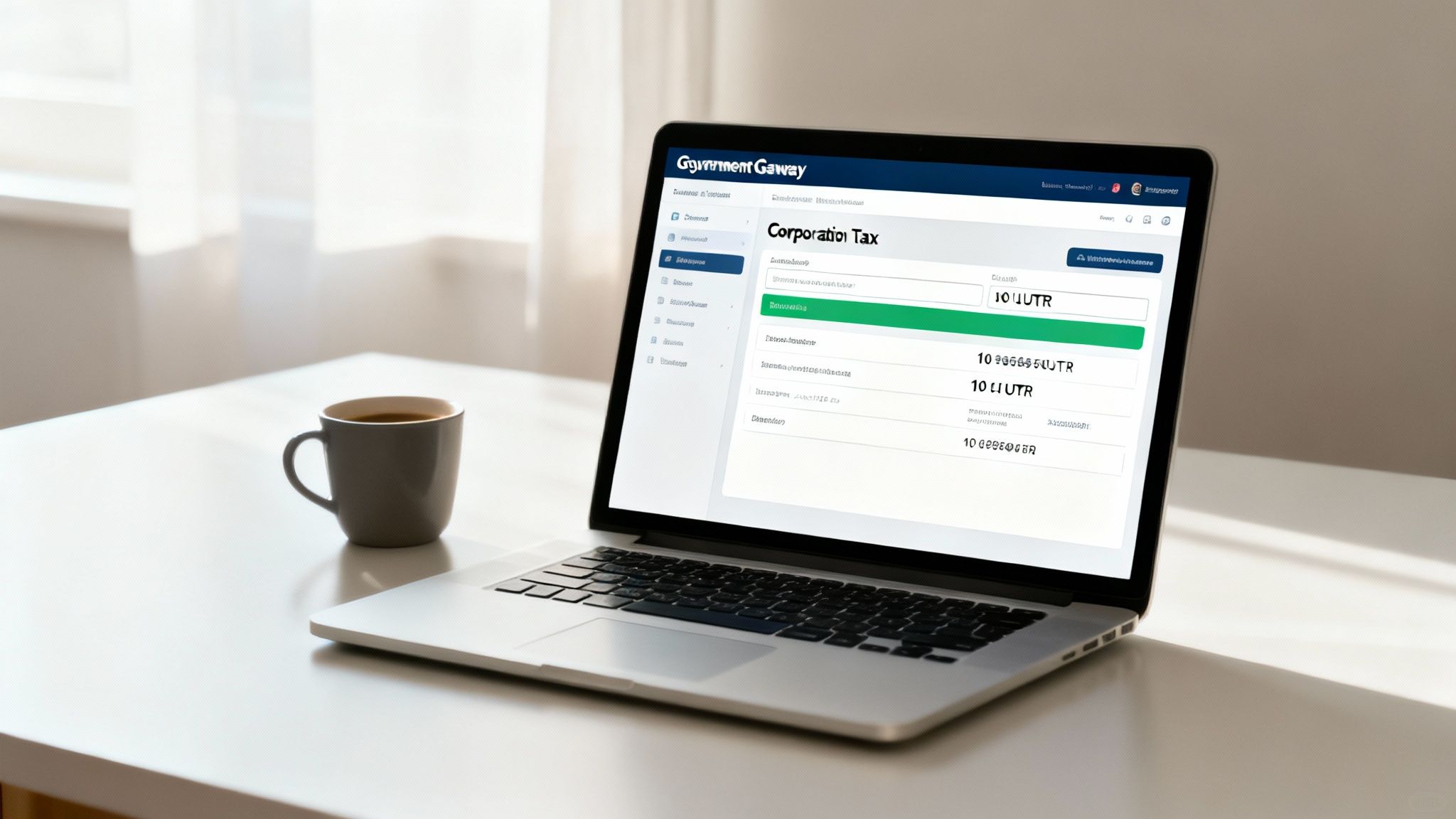
If rummaging through old paperwork isn't your idea of a good time, your HMRC online business account is by far the quickest digital route to your UTR. For most companies already set up with HMRC's online services, finding this number is usually just a few clicks away.
This method is ideal for anyone who prefers to handle their tax affairs online. It saves you from having to track down physical documents and offers an immediate solution, whether you're at your desk or on your phone.
First things first, you'll need to log in to your Government Gateway account. This is the secure portal you use for all your company’s tax interactions with HMRC.
Once you’re in, just head over to the Corporation Tax section. In most cases, your company’s 10-digit UTR will be displayed right there on the main dashboard or the account summary page. Keep an eye out for labels like "Tax Reference."
Don't panic if you’ve forgotten your login details—it happens to the best of us. Just use the 'recover password' or 'forgotten Government Gateway ID' options on the login page. HMRC will walk you through a quick security process to get you back in.
This digital-first approach fits perfectly with modern business life, especially as more tax admin moves online. Getting comfortable with these digital platforms is becoming essential, a topic we cover in more detail in our guide to Making Tax Digital for Self Assessment.
If you’re logged in but the UTR isn't immediately obvious, try checking these spots:
Using your online account is a solid, reliable way to find your company's UTR number without any delay.
If you’ve checked all your documents and scoured your online account with no luck, the next logical step is to go straight to the source. Ringing HMRC is a secure, if not always speedy, way to get your company's UTR sent out to you.
Just be aware that for security reasons, HMRC won’t just give you your UTR over the phone. It's a sensible measure to prevent fraud. Instead, once they've verified who you are, they'll post a copy to your company's registered address.
To make the call as smooth as possible, have a couple of key details ready before you dial the Corporation Tax helpline. You’ll definitely need to provide:
Having this information handy means the HMRC agent can quickly confirm they’re speaking to the right person and get the ball rolling.
A word of warning: be prepared to wait. HMRC advises that the letter containing your UTR can take up to 10 working days to arrive. It’s always best to request it well before any filing deadlines are looming to avoid that last-minute panic.
Losing a UTR is a common problem, which is why HMRC has a straightforward reissue process. It's essential for the 2.73 million VAT and/or PAYE-registered businesses in the UK to keep this number safe for tax purposes. You can discover more about the UTR system on anna.money. Ultimately, keeping track of these details is a cornerstone of filing accurate company tax returns.

Sometimes the simplest solution really is the best one. If you have an accountant or a tax agent on your side, they will almost certainly have your company's UTR on file. In fact, it's one of the most fundamental pieces of information they need to do their job.
This crucial 10-digit number is their key to filing your Corporation Tax return, dealing with HMRC on your behalf, and managing your company’s tax affairs in general. Because they handle it so often, it’s usually something they can pull up in seconds.
A quick phone call or a short email to your accountant is often the fastest way to get your UTR, saving you the hassle of digging through old paperwork yourself.
Expert Tip: Think of your accountant as the custodian of your company's critical financial data. Leaning on their organised records is one of the biggest time-saving perks of having professional support.
With around 2.73 million registered businesses in the UK, accountants are the backbone of compliance for the vast majority. You can see the latest figures for yourself on the ONS.gov.uk UK business activity bulletin. This really highlights the value of having an expert team managing your company accounts and keeping these details safe and accessible for you.
Once you’ve got your hands on your company UTR, you might still have a few nagging questions. It’s worth getting clear on the details to make sure you’re managing your company’s tax affairs properly and avoiding any simple—but potentially costly—slip-ups.
A company’s Unique Taxpayer Reference is always a 10-digit number. It’s purely numerical, so you won’t find any letters in there. You’ll usually spot it on official HMRC documents, clearly labelled as ‘UTR’ or just ‘Tax Reference’.
Absolutely not, and it’s vital you don’t get them mixed up. A limited company is its own legal entity, entirely separate from its directors. It gets its own UTR specifically for Corporation Tax purposes.
Your personal UTR, on the other hand, is for your individual Self-Assessment tax return. You can’t use one in place of the other, which is a key detail we touch on when explaining what Corporation Tax is.
It's a common mix-up, but using your personal UTR for company filings will cause HMRC to reject your returns. That can lead to frustrating delays and even penalties, so always double-check you're using the right one for the job.
Don’t panic. After you incorporate your company, HMRC automatically posts the UTR to your company's registered address. This usually takes around 10-15 working days, so give it a few weeks to arrive.
If a month or so has passed and there's still no sign of it, have a good sift through your post first. If it's definitely not there, your next step should be to call the Corporation Tax helpline to make sure everything is in order.
At GenTax Accountants, we take care of these details so you don’t have to. If you’re getting bogged down with UTRs or any other part of your company's finances, visit us online to see how our expert team can help you focus on what really matters—your business.
