


Sage Cloud Accounting is, in simple terms, a way to move your company’s financial records off a dusty old desktop computer and into a secure online hub you can access from anywhere. It’s a game-changer for UK businesses, automating tedious jobs like invoicing and expense tracking while keeping you squarely on the right side of HMRC.
Think of it like this: instead of a clunky physical filing cabinet stuffed with paperwork, you get a smart, secure, digital library for your company's finances.
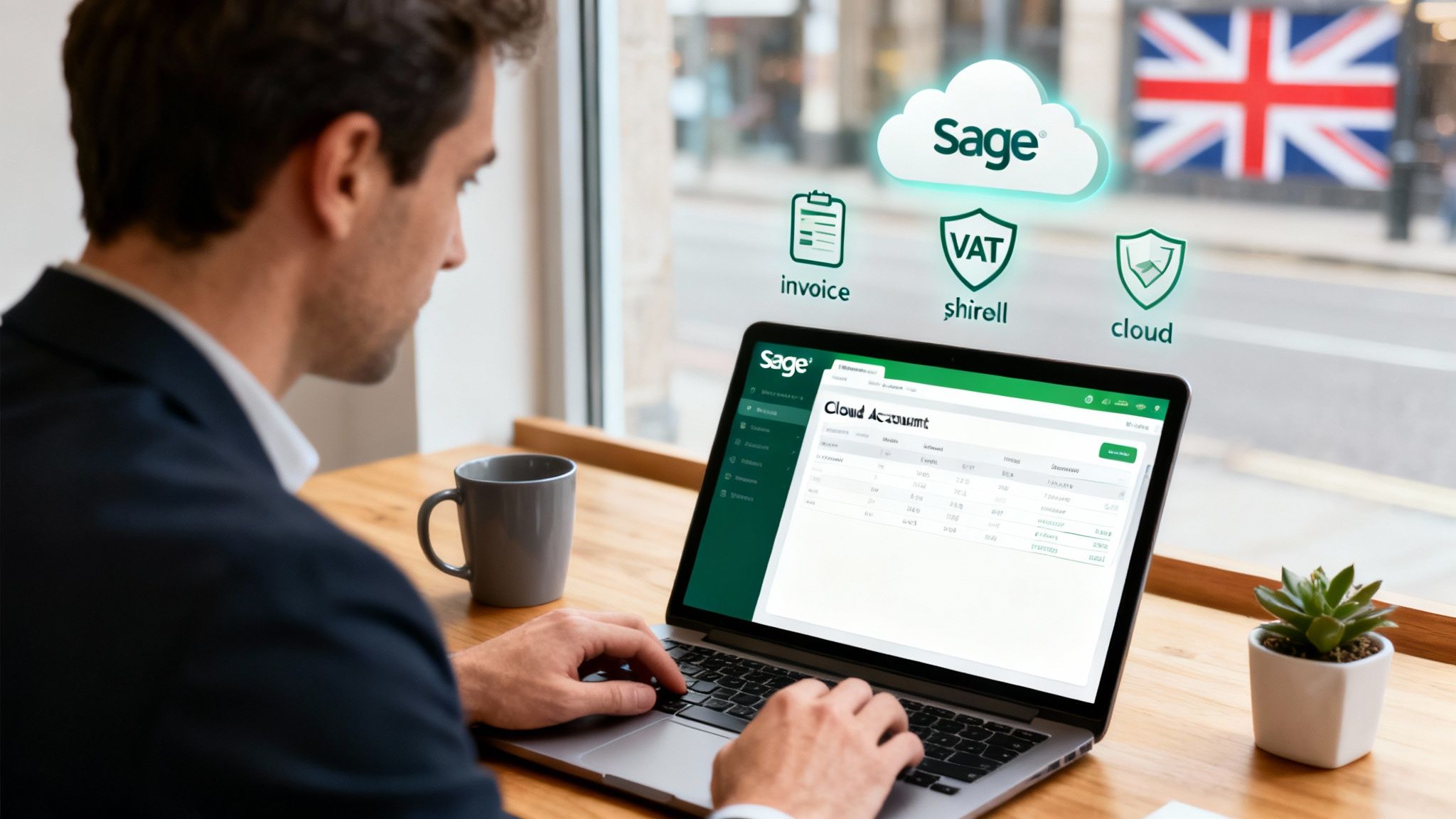
At its heart, Sage Cloud Accounting marks a real shift in how business owners manage their money. This isn't about installing a program and being chained to your desk. It's about logging into a dynamic financial command centre through your web browser or a mobile app. This gives you the power to manage your finances in real-time, whether you're in the office, working from home, or grabbing a coffee with a client.
The practical benefits hit you straight away. Forget manually typing up and emailing invoices; the system handles it for you. Stop stuffing your wallet with crumpled receipts and just snap a photo with your phone to log an expense instantly. All this automation frees up a surprising amount of time, cuts down on human error, and gives you a constantly accurate picture of your company's financial health.
One of Sage's biggest strengths is its laser focus on the UK market. This isn't some generic global platform with a few British features tacked on as an afterthought. It's been engineered from the ground up to handle the specific complexities of UK tax law and financial regulations.
Nowhere is this more obvious than in its compliance tools. Sage makes it much simpler to stick to crucial government rules, such as:
Ultimately, using a platform like Sage is about turning your financial data from a chore into a strategic asset. By having all your financial information in one place, you start to see insights that were almost impossible to get before.
The real power of cloud accounting lies in its ability to provide a live, 360-degree view of your business's cash flow, profitability, and financial obligations at any given moment. This transforms accounting from a historical record-keeping task into a forward-looking decision-making tool.
This strategic edge is a key reason why so many businesses are making the switch. In 2023, Sage's underlying recurring revenue shot up by 12% to £2,096 million, with its Sage Business Cloud services growing by an impressive 25%. It's a clear sign of just how high the demand is from UK businesses.
Of course, when you’re managing sensitive financial data in the cloud, security is paramount. It’s always wise to familiarise yourself with the latest cloud security best practices for UK SMBs to ensure your information stays locked down.
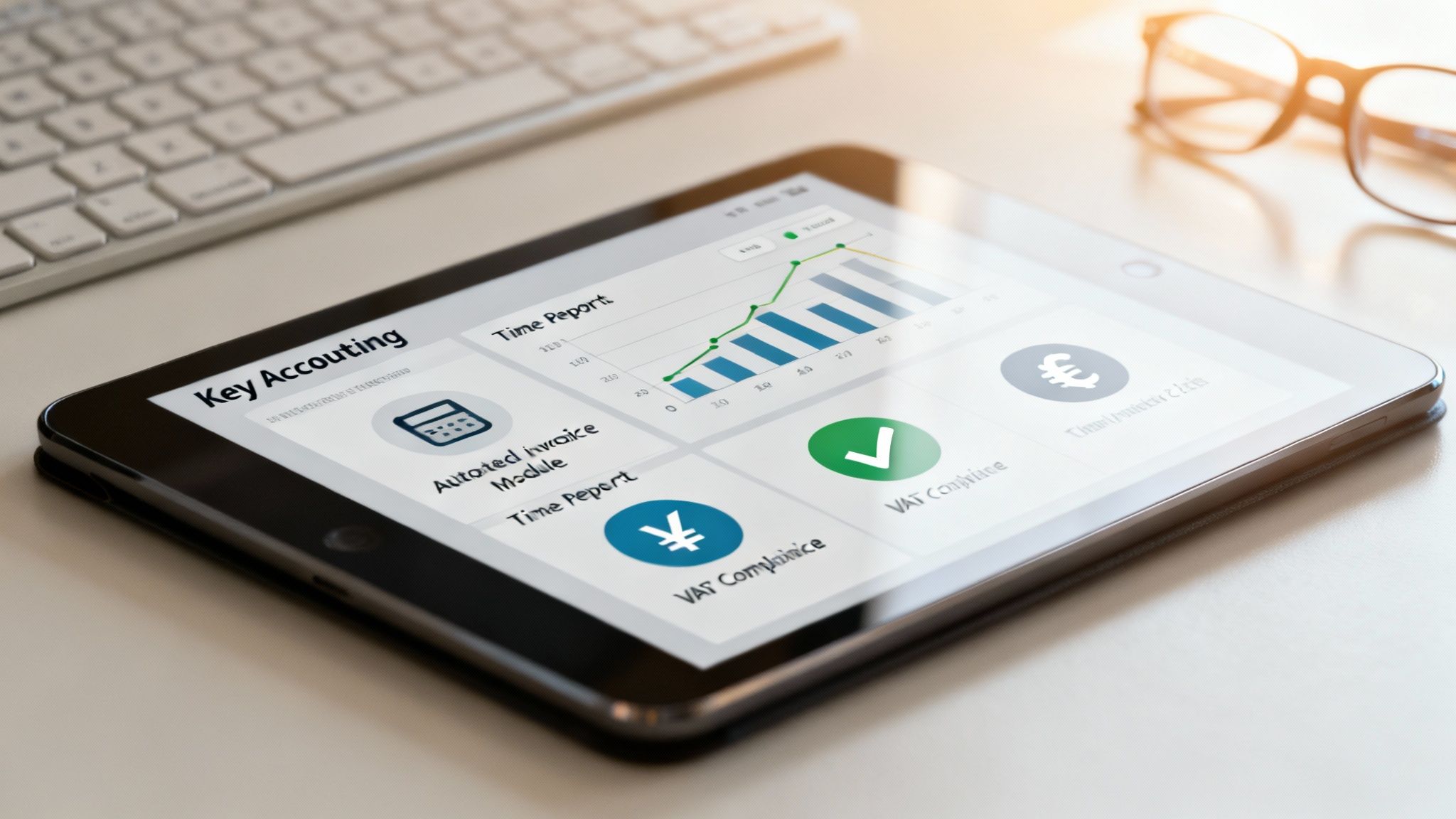
To really get what Sage cloud accounting is all about, you have to look beyond a simple feature list. It's much better to see how each tool solves a real-world problem that business owners face every day. These features aren’t just for logging numbers; they're designed to actively improve your cash flow, sharpen your decision-making, and give you proper financial control.
Think of it as a digital toolkit. For example, automated invoicing isn't just about sending bills—it’s about getting paid faster. Real-time reporting isn't about pretty charts; it’s about giving you the confidence to make big decisions with up-to-the-minute data, instead of relying on last month's figures.
This practical, problem-solving approach is a big reason why so many businesses are moving to the cloud. The shift has been massive, with cloud adoption in the UK expected to hit 49% by 2021, powered by flexible platforms like Sage. You can dive deeper into this trend in the Global Accounting Guide 2021.
One of the first things businesses notice is how much easier the sales cycle becomes. Sage lets you create and send professional, branded invoices in a few clicks and then watch their status all the way from 'sent' to 'paid'. This isn't just a time-saver; it’s a cash flow accelerator.
You can set up recurring invoices for regular clients, which is a lifesaver for subscription services or monthly retainers. The system even sends out automatic reminders for overdue payments. It takes the awkwardness out of chasing money and helps keep your income steady.
Imagine having a live dashboard showing your business's financial health. That’s exactly what Sage gives you, with customisable reports and visuals that break down key metrics at a glance.
This instant access to information lets you be nimble. You can spot a good trend and double down, or see a looming issue and react fast—all based on live data.
This is where Sage really shines for UK businesses. Its features are built from the ground up to handle the unique demands of HMRC, keeping you compliant without the usual stress.
Sage turns compliance from a chore into a seamless part of your financial workflow. Its direct link to HMRC for VAT and payroll is a game-changer for any UK business owner wanting peace of mind.
This focus on local rules is clear in a few key areas:
These tools aren't just tacked on; they're core parts of the system designed to make running a UK business simpler. Getting these records right is vital, and you can learn more about the fundamentals in our guide to professional bookkeeping services. By automating these complex tasks, Sage frees you up to focus on growing your business, safe in the knowledge that your finances are solid.
Choosing the right accounting software isn't just about picking the 'best' one on the market; it’s about finding the best one for you. Sage gets this, which is why they offer a range of sage cloud accounting products built for businesses at different stages of their journey. The plan that works for a solo graphic designer is worlds away from what a growing manufacturing firm needs.
This approach means you only pay for what you actually use, but you have a clear upgrade path ready for when your business expands. Think of it like buying a car: a nimble city runaround is perfect for a solo commuter, but a growing family soon needs an estate with more seats and a bigger boot. Sage provides the whole fleet, letting you swap models when the time is right.
To figure out your perfect fit, let’s walk through a few common UK business types and see which Sage plan clicks with their needs.
Picture a freelance copywriter or a self-employed IT consultant. Their financial world is pretty straightforward. They need to fire off professional invoices, track a handful of expenses like software subscriptions, and get a simple, clear picture of their income for their Self Assessment tax return. Complicated payroll or multi-user access is just clutter.
For this kind of setup, Sage Accounting Start is the perfect match.
It's the modern-day version of a neat and tidy ledger book, except this one does the maths for you and makes sure you always look professional to your clients.
Now, let's imagine a small retail business. They've got a physical shop and a booming online store. Suddenly, things are more complex. They’re managing stock, taking different payment types, employing a couple of staff members, and needing to file VAT returns under Making Tax Digital. Their accounting needs have definitely outgrown the basics.
The best fit here is Sage Accounting.
This is the command centre for a business that’s starting to scale and needs to get a tighter grip on its operations. We work with lots of businesses just like this, helping them knit their financial systems together. To get a feel for the companies we support, take a look at our guide on who we help at GenTax.
By matching the software's capabilities to your business's complexity, you avoid the common pitfall of paying for an overly powerful system or, worse, outgrowing a basic one too quickly. The right plan should feel like a natural extension of your operations.
Finally, think about an established manufacturing company or a service agency with different departments and complex projects. These businesses need deep financial insights, advanced reporting, project costing, and maybe even sophisticated supply chain management. Their numbers need to inform big strategic decisions.
For this level of complexity, businesses are looking at Sage 200 or Sage Intacct.
When a business reaches this scale, it's also common to evaluate different management approaches, sometimes bringing in comprehensive outsourced accounting services to work alongside the software.
Choosing the right accounting platform is a big moment for any UK business. While Sage Cloud Accounting is a proper powerhouse, it’s not the only game in town. It shares the stage with two other giants: Xero and QuickBooks. But instead of just naming one the "best," it's far more useful to understand what makes each one tick and figure out which aligns with what your business truly needs.
Think of it like choosing a vehicle. A nimble hatchback like Xero is perfect for zipping through city streets. A versatile SUV like QuickBooks is great for all-round family use. And a robust Land Rover like Sage? That’s built for tough, specialised jobs. Each one is excellent at what it does, but the best choice depends entirely on the journey you're planning.
The UK market really shows this split. While Xero has a huge presence, Sage holds its ground firmly. Research shows Sage still commands a 13.3% click share in the UK market, a solid figure that proves its lasting appeal for British businesses. You can dig into more of the data in the Adthena PPC Market Share report.
The biggest difference between these platforms really comes down to where they came from. Xero was born in the cloud, designed from day one with a clean, user-friendly interface that feels almost Apple-like. This has made it incredibly popular with startups and small creative businesses that value simplicity and a massive ecosystem of third-party apps.
QuickBooks, another cloud-native platform, positions itself as the dependable all-rounder. It finds a sweet spot between being easy to use and having a powerful list of features, making it a go-to for sole traders and small to medium-sized businesses (SMBs) that need a bit more than just the basics.
Sage comes from a different background, with deep roots in desktop accounting, and that brings a unique kind of strength to its cloud software. It's often the top choice for more established businesses, especially those in specific sectors like construction or manufacturing. These are companies that need deep, industry-specific functions, powerful reporting, and a system that won't buckle under pressure as they scale.
To help you see the differences side-by-side, we've broken down how each platform stacks up for UK businesses. It's a quick way to see which one might be leaning in your direction.
As you can see, there’s no single winner—just a different tool for a different job. The "best" platform is the one that fits the shape of your business.
This infographic gives you a simple decision tree to help visualise which Sage plan might fit your business type.
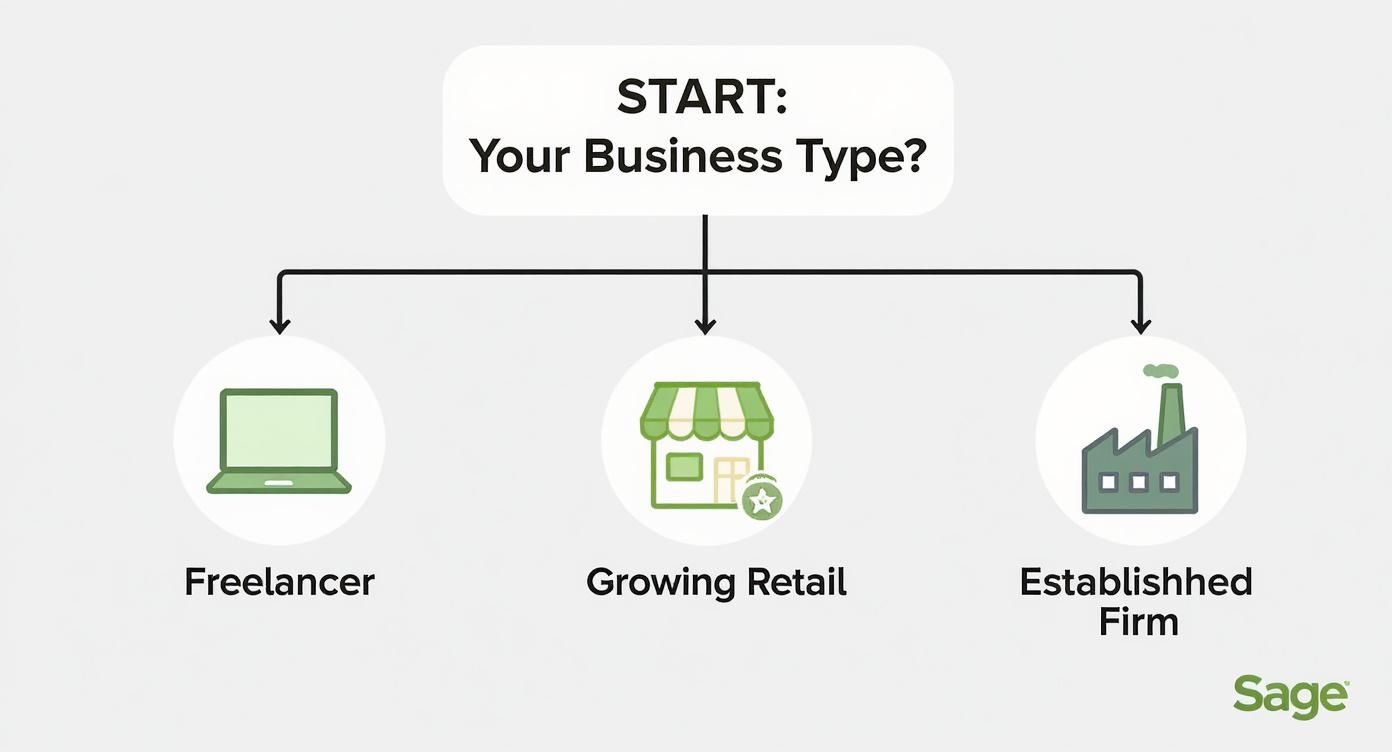
The visualisation shows a clear pathway, guiding a freelancer toward a starter plan while directing a more established firm toward advanced solutions.
At the end of the day, your choice comes down to your priorities.
If your number one priority is a massive app marketplace and an incredibly simple user experience, Xero is a compelling option. If you need a solid all-rounder with strong mobile features, QuickBooks is a fantastic choice. However, if your business requires deep reporting, industry-specific features, and a platform that can scale with you into a complex enterprise, Sage is often the superior long-term investment.
For startups just getting off the ground, this choice can feel particularly important. To help, you might find our detailed breakdown of the best cloud accounting software for startups useful. By weighing these factors—user experience, integrations, scalability, and industry fit—you can confidently pick the platform that will not only manage your finances today but also support your growth tomorrow.
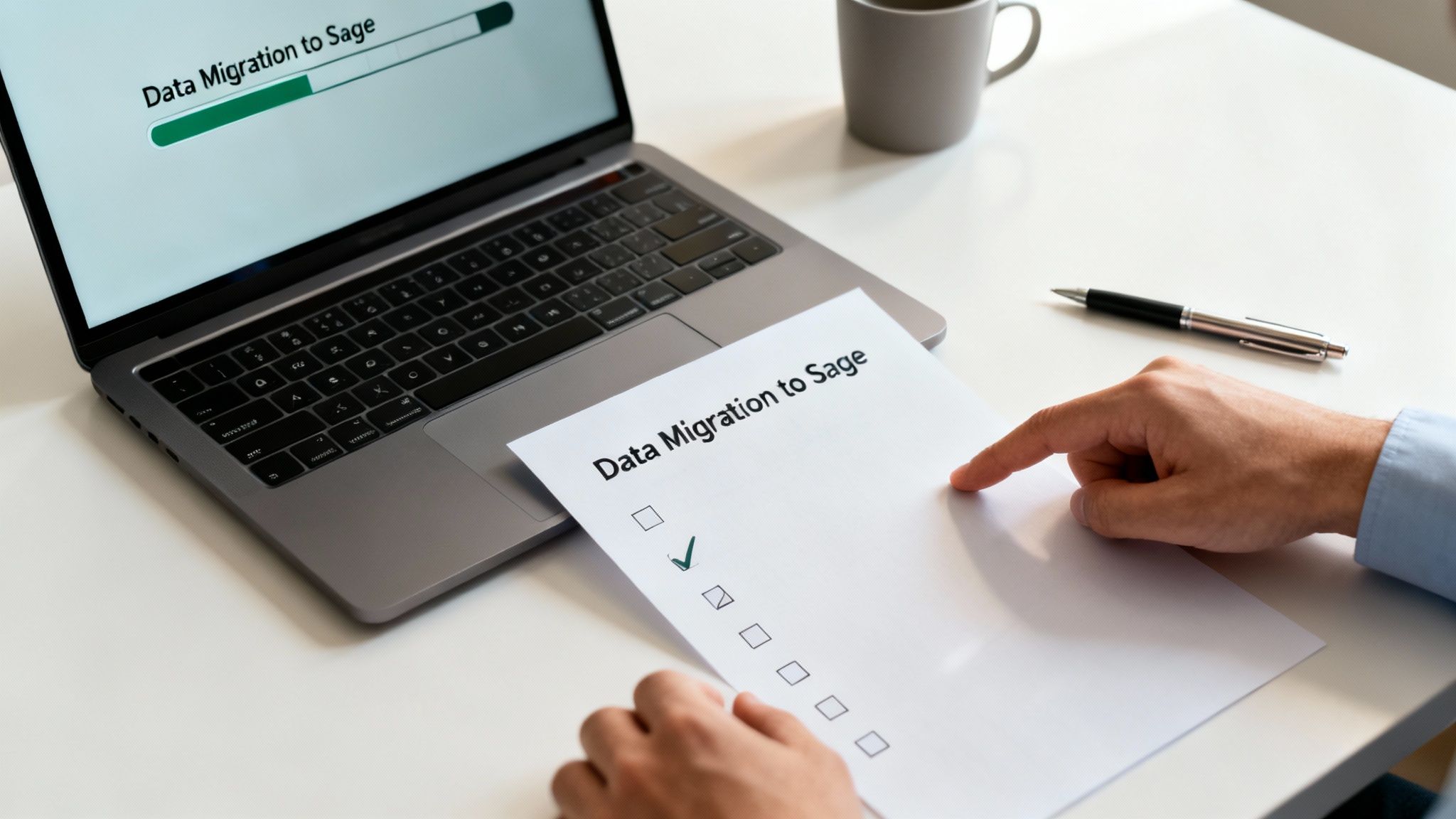
Switching your accounting system can feel like a huge job, but with a solid plan, it becomes a completely manageable project. The key to a smooth migration to Sage cloud accounting is all about preparation and following a clear, step-by-step process. This roadmap will walk you through the key stages, helping you sidestep common traps and get your new system humming from day one.
Think of it like moving house. You wouldn’t just chuck everything into boxes at random; you’d label, plan, and organise to make unpacking a breeze. The same logic applies here—we want your financial data to arrive safe, sound, and ready for action.
Before you even think about moving a single piece of data, you need to lay the groundwork. This is all about getting your ducks in a row and setting a clear timeline. Honestly, a successful migration is about 70% planning and 30% execution.
First up, pick a cut-off date. This is usually the end of a financial period—like a month-end or quarter-end—to keep your records clean and tidy. Next, it's time to gather your essential financial history. You’ll need key data like:
Getting this sorted upfront ensures you have everything you need for a clean import into Sage.
With your data organised, you can get stuck into the migration itself. Sage has built-in import tools that often use simple CSV files, which really simplifies this step. You’ll bring in your contacts, opening balances, and any outstanding transactions you collected in the planning phase.
Once the data’s in, it’s time to configure the system. This is where you customise Sage to fit your business like a glove. You'll need to connect your business bank accounts to set up those brilliant automatic bank feeds—a massive time-saver. You’ll also configure your VAT settings to align with UK MTD requirements and create invoice templates with your company branding.
Here’s a top tip: run your old and new systems in parallel for a short period, maybe a month. This lets you cross-reference the numbers, build confidence in Sage, and make sure nothing has been missed before you make the final switch.
The final hurdle is getting your team comfortable and confident with the new setup. After all, even the best software is useless if no one knows how to drive it. Schedule some dedicated training sessions that focus on the everyday tasks each person will be doing, like raising invoices or reconciling bank transactions.
This is where partnering with an accountant or a specialist can be a game-changer. An expert not only ensures the technical side of the migration is sound but can also provide tailored training and ongoing support. For businesses making bigger changes, exploring a full technology transformation service can ensure Sage slots perfectly into your entire operation. This support gives you the confidence to make the move without the stress, setting you up for success in the long run.
Deciding on the financial backbone for your business is a huge step, so it’s only natural to have a few practical questions. You need clear, straight-up answers before you commit. We get it.
To help you get the final pieces of the puzzle, we’ve put together some of the most common questions UK business owners ask about Sage. We’ll cover everything from UK tax compliance and mobile access to customer support and data security.
This is usually the first question on everyone's lips, and for good reason. The answer is a simple, confident yes. All of Sage's cloud accounting products are fully compliant with HMRC's Making Tax Digital (MTD) for VAT. It’s not just an add-on; it’s baked into the software's DNA.
You can prepare, double-check, and send your VAT returns directly to HMRC from inside the platform. This creates that seamless, digital link that MTD insists upon, and it massively cuts down the risk of typos and manual errors you often see with spreadsheets.
What’s more, Sage is always on the ball with regulatory changes. As HMRC rolls out MTD for Income Tax Self Assessment (ITSA), you can trust that Sage will keep the software updated and your business compliant. That kind of peace of mind is priceless.
Absolutely. One of the best things about cloud software is ditching the desk, and Sage nails this with its dedicated mobile apps for iOS and Android. These aren't just shrunken versions of the website; they're thoughtfully designed to put essential tools right in your pocket.
From your phone or tablet, you can handle a whole host of crucial jobs, wherever you are:
This isn't a "nice-to-have" anymore; it’s fundamental. Whether you're on-site with a client, working from a coffee shop, or catching up on the train, you have total control.
When you’re dealing with your company's finances, you need to know that expert help is there when you need it. Sage provides a solid support network for its UK customers, giving you a few different ways to get answers.
Their support typically includes:
A real advantage here is Sage’s strong UK-based team. The people you speak to don’t just know the software inside out; they also understand UK accounting rules, tax laws, and HMRC quirks. That means the advice you get is always relevant and accurate.
This is non-negotiable. Sage understands that you're trusting them with your most sensitive information, and they invest heavily in protecting it. Honestly, their security protocols are often far more robust than what a small business could manage on its own.
Think of it like this: Sage treats your financial data with the same level of security as a bank. They use multiple layers of protection, including advanced encryption and secure data centres, to ensure your information is kept safe, backed up, and accessible only to you.
This security is built on a few key pillars:
By moving to Sage, you’re basically tapping into an enterprise-grade security system. It provides a level of protection that a desktop computer in the corner of your office just can't match.
Ready to transform your business finances with a modern, compliant, and secure accounting solution? At GenTax Accountants, we specialise in integrating Sage Cloud Accounting into our clients' operations, turning financial data into a powerful tool for growth. Discover how we can help you make the switch seamlessly by exploring our services at https://www.gentax.uk.
