



Making Tax Digital for Income Tax is a huge government shake-up designed to bring the UK tax system into the 21st century. At its core, it means certain self-employed people and landlords will have to start using HMRC-approved software to keep digital records and send quarterly updates on their income and expenses. It’s a big shift away from the old annual Self Assessment tax return towards a more frequent, digital way of doing things.
Think of the old tax system as navigating a long road trip with a paper map. You’d spend the year collecting receipts and invoices, and then at the very end, you'd sit down to plot your entire journey on a single, massive tax return. It worked, sure, but it was all guesswork until the final moment. You had very little idea what your final tax bill would be until you were right on top of it.
Making Tax Digital for Income Tax is HMRC's way of giving everyone a live GPS. Instead of that one big, stressful annual calculation, you’ll be logging your financial journey as it happens. Every sale, every expense, gets recorded digitally in real-time using compatible software.
This isn't just a new way of filing; it’s a complete change in how you approach your business finances day-to-day. The whole system is built on a few key pillars:
The big idea behind MTD is to make tax administration more effective, efficient, and easier for people to get right. By weaving tax into your daily business admin, HMRC hopes to close the £32 billion tax gap that’s often caused by simple, avoidable mistakes.
The move to making tax digital for income tax is all about building a more modern and resilient tax system. The government is convinced this digital-first approach will be a win-win for both taxpayers and the tax man.
For business owners, it promises a much clearer, live view of their finances. This helps you budget for your tax bill properly and gets rid of those nasty year-end surprises. For HMRC, it makes the whole collection process smoother and cuts down on the kind of errors that trigger investigations and penalties.
Ultimately, it’s part of a much wider push to digitalise government services, dragging tax reporting into line with how modern businesses actually work.
First things first: does Making Tax Digital for Income Tax actually apply to you? Getting this right from the start is absolutely crucial. The rules can feel a bit confusing because they're based on your total income, not your business type, but don't worry—we'll cut through the jargon and explain exactly who needs to get ready and when.
The key figure you need to focus on is your gross qualifying income. This is the total amount you earn from self-employment and any property you rent out, calculated before you take off any expenses. If you've got a couple of income streams—say, you’re a freelance designer and also a landlord—you have to add the income from both together to figure out if you hit the threshold.
HMRC is rolling out MTD for Income Tax in stages, starting with those on higher incomes. This gives everyone a bit of breathing room to get used to the new system, but you need to know which phase you're in.
It all kicks off from 6 April 2026. From this date, MTD for Income Tax becomes mandatory if your total qualifying income is over £50,000. This rule applies to the 2026/27 tax year and all subsequent years.
A year later, from 6 April 2027, the income threshold is planned to drop to £30,000, which will bring a much larger wave of sole traders and landlords into the fold.
This staged approach is designed to make the transition as smooth as possible. Think of it as moving from an old, paper-based system to a modern, cloud-based way of working, as this diagram shows.
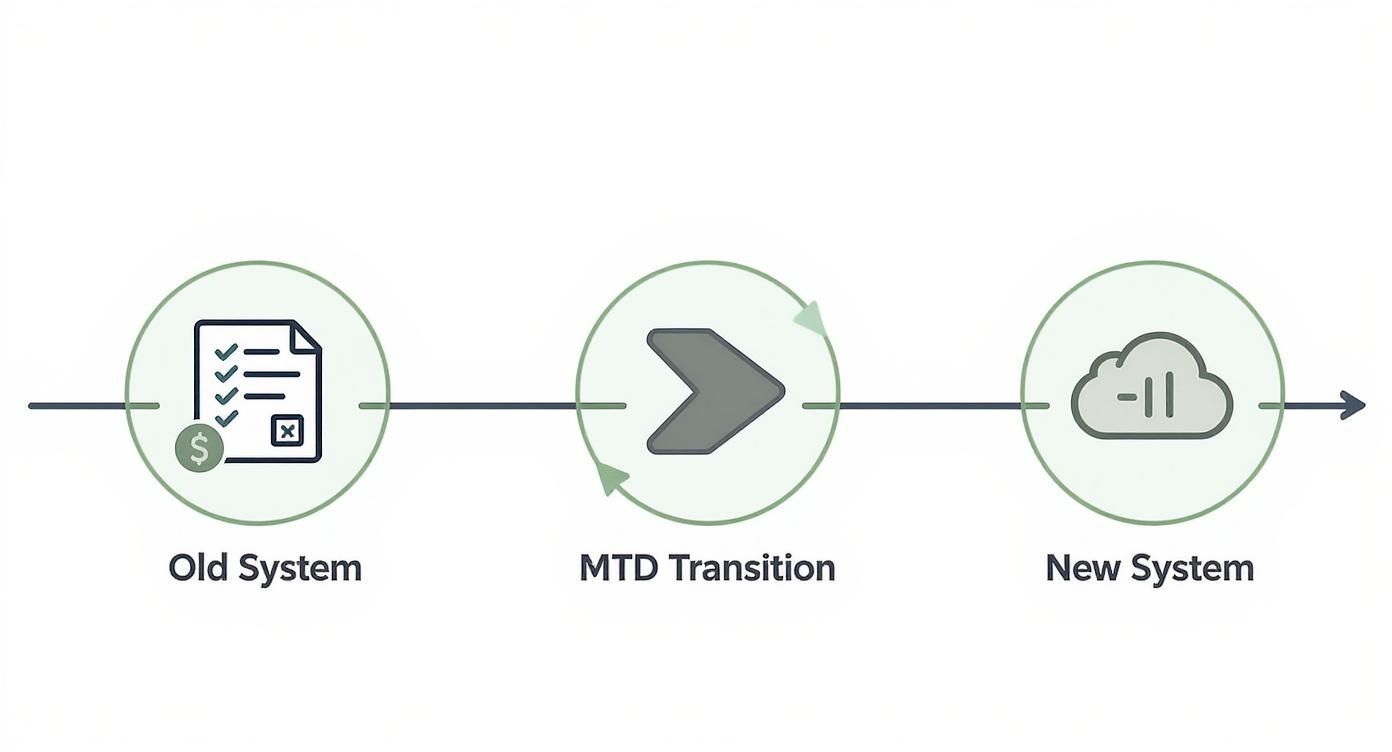
This really gets to the heart of what MTD is all about: moving away from a single, retrospective annual tax return towards a more continuous, real-time reporting model.
To give you a sense of scale, this is a major shift. The first wave in April 2026 is expected to impact around 864,000 people, according to HMRC's own data. By the time the threshold potentially lowers again in 2028, we could see nearly three million people needing to follow these new digital rules.
To make this clearer, here’s a simple table showing the planned rollout schedule.
This table neatly lays out the key dates you need to be aware of. The main takeaway is to track your gross income closely so you know exactly when you need to be compliant.
While many people will need to get on board with MTD, it’s just as important to know if you don't have to comply yet. Certain groups and types of income are currently outside the scope.
For now, you are exempt if:
It's worth noting that exemptions can sometimes be complex. In certain circumstances, individuals may be able to apply to HMRC for an exemption based on factors like age or disability, but this is a specific process.
Let's look at a practical example. A sole trader earning £45,000 a year won't be part of the first phase, but they should absolutely start preparing for the £30,000 threshold in 2027. On the other hand, a landlord with £55,000 in rental income needs to be ready for the April 2026 start date. This is why keeping a close eye on your gross income is so vital for navigating making tax digital for income tax.
Making Tax Digital for Income Tax is a fundamental shift in how you'll report your finances to HMRC. Forget the traditional once-a-year scramble to get your tax return sorted. The new system is all about getting into a more consistent, year-round rhythm.
This new approach is built on two core pillars you'll need to get to grips with: digital record-keeping and a brand new reporting schedule.
Think of the old system like cramming for a final exam at the end of the year. MTD, on the other hand, is more like a series of smaller, regular progress reports. It’s a change in mindset, really—one that requires you to keep your financial data accurate and up-to-date all the time, not just in a mad dash before the deadline.
The first pillar, digital record-keeping, is the absolute bedrock of MTD. This goes way beyond just swapping a paper ledger for a basic spreadsheet. HMRC has specific rules about what counts as a digital record and, just as importantly, how it has to be kept.
In short, you must now use MTD-compatible software to log every single business transaction. This covers:
Each transaction needs to be recorded digitally as it happens, creating a live, accurate picture of your business's financial health. This is why standalone spreadsheets are no longer enough, unless they’re properly connected to HMRC's systems using special 'bridging software'.
The second pillar introduces a totally new reporting cycle. Instead of a single Self Assessment submission, you'll now make five submissions throughout the tax year. It might sound like a lot more work, but it's designed to be a natural by-product of your day-to-day digital bookkeeping.
This new rhythm is broken down into four quarterly updates and one final submission.
It’s a common myth that these quarterly updates mean you'll be paying tax four times a year. That’s not the case. The updates are just summaries to keep HMRC in the loop. Your actual tax bill is calculated and paid once, after you've sent in your final declaration—just like it is now.
The move to making tax digital for income tax is a significant change. The government’s aim is to digitise the tax system to help close the tax gap, a strategy that’s already proven successful. For example, MTD for VAT is estimated to have already brought in over £4 billion in additional tax revenue since it was launched. You can dig into more of the stats and impact of this digital tax shift on the Corient website.
So what’s actually in a quarterly update? It’s a high-level summary of your business's financial activity for that period. Your MTD-compatible software will pull this information together automatically from the digital records you’ve been keeping.
The update will usually include:
After each submission, HMRC gives you an estimated tax calculation based on the figures you've provided so far. This is actually a really powerful tool for budgeting. It gives you a running forecast of what your tax bill might look like, helping you avoid any nasty surprises at the end of the year.
As you start managing these new streams of data, it’s worth exploring how AI-powered financial analysis can help process and double-check your MTD figures. This kind of technology can be a huge help in making sure everything is accurate before you hit 'submit' to HMRC.

Choosing the right software is probably the biggest decision you'll make when getting ready for Making Tax Digital for Income Tax. This tool is set to become the new home for your business finances, so it’s vital to find one that actually fits your needs without creating more work than it saves.
Your first port of call should always be HMRC's official list of MTD-compatible software. Only these government-approved tools are guaranteed to meet the strict digital submission requirements.
The sheer number of options can feel a bit daunting, but you can narrow things down by thinking about how complex your business or property portfolio is. A landlord with a single property has completely different needs to a growing startup managing hundreds of invoices.
Someone letting one or two properties might only need a simple, user-friendly mobile app for logging rent and the odd repair bill. On the other hand, a sole trader juggling multiple clients and complex expenses will need something far more robust, with features like invoicing, expense tracking, and automatic bank feeds.
When you’re comparing software, try not to focus solely on the price tag. A slightly more expensive tool that saves you hours of admin each month is a much better long-term investment.
To help you size up your options, think about these key features:
To give you a clearer picture of what to expect, here’s a quick comparison of what you might find in basic versus more advanced software packages. This should help you decide which features are non-negotiable for your business.
Ultimately, choosing the right software is about finding the best fit for your specific circumstances.
If you’re a die-hard spreadsheet fan and can't imagine letting go, there is a middle-ground option: bridging software. This is an HMRC-approved tool that acts as a connector, linking your existing spreadsheet to HMRC's systems.
You can carry on keeping your records in Excel, but the bridging software will pull the required summary figures and send them to HMRC in the correct MTD format.
While bridging software keeps you compliant, it doesn't offer the powerful benefits of integrated accounting software, like real-time financial insights or automated bank feeds. It’s a valid workaround but can still be prone to manual data entry errors.
The main goal here is to find a tool that transforms a compliance chore into a genuine business asset. To get a better feel for what's on the market, you can find detailed reviews on the best cloud accounting software for startups in our dedicated guide.

Getting ready for Making Tax Digital doesn’t need to be a frantic, last-minute rush. The trick is to break the process down into simple, manageable steps. If you start early and tailor the plan to your specific situation, you’ll find the transition to full compliance is surprisingly stress-free.
To help you get started, we've put together some tailored checklists for sole traders, landlords, and contractors. Each one tackles the unique challenges you're likely to face, helping you build solid digital habits long before your start date rolls around.
For sole traders, MTD readiness is all about capturing your day-to-day business activity in a digital format. Your main goal should be to get into a routine of real-time record-keeping so you never fall behind.
Landlords often have the headache of juggling income and expenses across multiple properties. Your compliance plan needs to be built around each property individually to make sure nothing slips through the cracks.
Remember, the MTD for Income Tax threshold is based on your total gross income from all qualifying sources combined. If you're both a landlord and a sole trader, you must add the income from both ventures together to work out if you need to comply.
As a contractor, you’re likely managing several clients and projects at once, which can turn financial tracking into a real tangle. Your MTD plan should focus on organising your finances on a per-project basis to keep everything clear.
Navigating the switch to Making Tax Digital for Income Tax can feel like a mammoth task, but it’s not one you have to tackle alone. At GenTax, our job is to give you a clear, simple path to full compliance, turning a potential headache into a genuine business advantage.
We cut through the stress and uncertainty with a straightforward three-step process. It’s designed to get you MTD-ready with minimal disruption, letting you focus on running your business while we handle the complex compliance details in the background.
Our approach is built to support you from start to finish, making sure you’re confident and compliant every step of the way.
With GenTax, you get more than just software support; you gain a dedicated partner committed to making your financial management simpler and more effective. We handle the deadlines so you can focus on growth.
Let's be honest, the move to MTD is causing a lot of concern. Recent industry surveys show that over 81% of accountants see it as the biggest challenge on the horizon, with a staggering 34% still feeling unprepared for the change. You can read more about the accounting industry's MTD response to get a sense of the scale of the task.
This is exactly where we come in. We bridge that readiness gap by embedding our expertise directly into your business. By managing your compliance, we help you join the 79% of firms who view MTD as a major opportunity to become more efficient. To ensure everything runs smoothly, having specialist IT support for accountants can be invaluable, especially when adopting new MTD software.
Our support goes beyond just filing returns. We actively help with your firm’s technology transformation, ensuring your systems are not just compliant, but are also optimised to give you better financial insight and control.
As the MTD for Income Tax deadline creeps closer, it’s only natural for questions – and a few myths – to start doing the rounds. Let's cut through the noise and tackle some of the most common queries with straightforward answers, so you can feel clear on what’s ahead.
One of the biggest misunderstandings is that MTD forces you to pay your tax bill four times a year. That’s simply not true.
The quarterly updates are just progress reports of your income and expenses for HMRC. Think of them as check-ins. Your actual tax is still worked out once a year after you’ve submitted your final declaration, and you'll pay it by the usual Self Assessment deadlines.
HMRC is shifting away from instant fines for late submissions. Instead, they're bringing in a new points-based system. It works a bit like getting points on a driving licence.
Miss a deadline, and you'll get one penalty point. Once you reach a certain number of points, you’ll then get a financial penalty. The good news is that these points can expire after a period of good behaviour, so getting back on track quickly is the key.
If spreadsheets are your comfort zone, you don’t have to ditch them entirely. You can carry on using them for your records, but you’ll need to use a special tool called ‘bridging software’ to send your updates to HMRC.
This software acts as a digital link, pulling the summary figures from your spreadsheet and firing them off to HMRC in the right format. While it gets the job done, it does lack the slick automation and real-time insights you get from proper accounting software. It’s a workable option, but it can be more fiddly and open to human error.
The whole point of MTD is to create a secure, digital link from your records straight to HMRC. Bridging software creates that link for spreadsheets, but dedicated MTD software builds that connection right into your day-to-day bookkeeping.
If you're juggling a few different income streams – maybe you’re a freelance consultant who also rents out a property – HMRC is interested in your total qualifying income. You need to add up the gross income from all your trades and properties.
If that combined total goes over the MTD threshold (which is £50,000 from April 2026), you’ll need to sign up. Your software should let you manage the records for each business separately, but your quarterly updates will pull all the figures together into one single submission for HMRC. Good record-keeping is absolutely essential here, and looking into proper tax advice for small businesses can really pay off when managing multiple ventures.
Navigating these new rules can feel like a headache, but GenTax Accountants is here to make your transition smooth and simple. We offer expert guidance and practical support to get you fully compliant and confident. Find out how we can help you at gentax.uk.
