


Creating a living playbook is all about turning those static, dusty SOPs into dynamic, actionable checklists. We'll be using Notion AI for the heavy lifting of task generation and Google Workspace for collaborative fine-tuning. This approach isn't just about digitising documents; it's about embedding your processes directly into your team's daily workflow, making sure they’re always current and actually get used.
Let’s be honest for a second. Most Standard Operating Procedures (SOPs) are where good intentions go to die. They're usually tucked away as Word docs or PDFs in some forgotten corner of a shared drive, rarely updated, and almost never looked at when it actually matters. That old way of doing things just can’t keep up anymore.
In any fast-moving business, these static documents become obsolete almost overnight. A small software update or a minor tweak in strategy can make an entire SOP wrong. This leads to confusion, sloppy work, and frustrated team members who have to invent their own workarounds just to get the job done.
This isn't just a minor annoyance; the inefficiency of static documents hits your bottom line. Hard. In the UK, workplace productivity stats show the average employee is only truly productive for 2 hours and 53 minutes of an 8-hour day. A huge chunk of that wasted time is spent hunting for information or trying to make sense of outdated instructions. You can read more about these UK workplace productivity stats on standout-cv.com.
A process document is only valuable if it’s used. When SOPs are difficult to find, hard to follow, or out of date, teams naturally revert to guessing, which is the enemy of consistency and quality.
This visual perfectly captures the shift we're talking about—moving from the chaos of paper-based systems to a clean, digital approach that brings clarity and order.
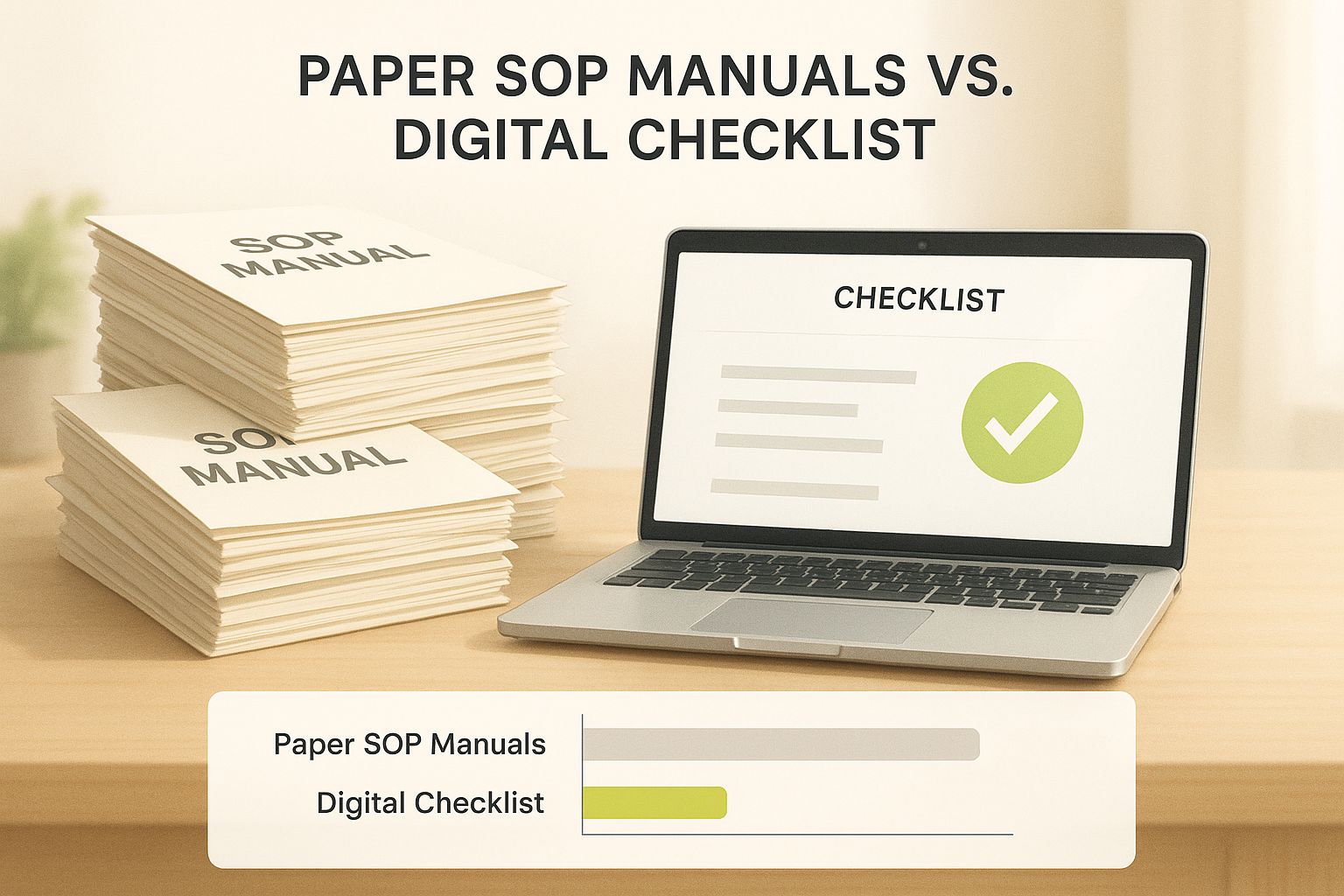
As you can see, the goal is to leave behind the clutter of manual processes and embrace organised, accessible digital workflows.
A 'living playbook' is the antidote to this problem. Instead of a passive document you read, it's an interactive system you use. By converting your procedures into executable checklists inside a tool like Notion, you embed them directly into your team’s day-to-day tasks. Suddenly, following the right process isn't an extra step; it's just how the work gets done.
Let's take a quick look at how these two approaches stack up.
The table below breaks down the key differences, highlighting why making the switch is so crucial for modern teams.
As the comparison shows, the new way is designed for action and adaptability, not just for storage.
This modern system offers some clear wins:
The whole point is to build a system that removes friction, not one that adds another layer of admin. A well-designed playbook becomes the single source of truth that empowers your team to work with confidence and precision, freeing them up to focus on work that really moves the needle.
Before you can build a powerful playbook in Notion, you need to get your house in order. For many teams, this means tackling a messy collection of Standard Operating Procedures (SOPs) scattered across countless Google Docs, often with conflicting versions and vague instructions.
This first phase isn't just about cleaning up; it’s a crucial step to prepare your processes for automation. The goal is to create a crystal-clear, logically structured library of procedures. Think of it as organising your kitchen before cooking a complex meal—getting everything prepped now prevents a mess later and ensures the Notion AI has high-quality source material to work with.
Your team members are your best resource here. They’re on the front lines every day and know exactly which steps are clunky and which instructions just don’t make sense.
Start by corralling all your existing SOPs into a single, shared Google Drive folder. This simple action immediately establishes a single source of truth.
Once everything is in one place, it's time for a collaborative audit using the commenting and suggestion features in Google Docs. Invite your key team members and ask for their honest feedback. Encourage them to flag anything that is:
This approach does more than just improve your SOPs; it gives your team a real sense of ownership over the new playbook. A successful technology transformation always begins by refining the human processes the technology is meant to support.
The familiar Google Workspace interface, shown below, is the perfect starting point for this review.

It has all the tools you need for real-time editing and commenting, making it easy to streamline your documentation with your team.
With the content of your SOPs refined, the next job is to structure it for an easy move into Notion. For this, Google Sheets is your best friend. Create a simple spreadsheet that breaks down each process into its core components.
By deconstructing your SOPs into a structured format first, you create a dataset that Notion AI can easily interpret and convert into consistent, executable checklists. This simple step saves hours of manual reformatting later.
Your sheet should have a few key columns:
Laying your processes out like this forces you to think in terms of clear, distinct actions—which is precisely how a great checklist functions. With your SOPs cleaned up and organised into a structured blueprint, you're perfectly set up to start building your living playbook in Notion.
Alright, this is where the magic happens. We’re going to take those neatly organised procedures from Google Workspace and turn them into dynamic, living checklists in Notion. Think of Notion AI as your intelligent assistant, ready to do the heavy lifting by converting dense documents into clear, actionable steps for your team.
Instead of the soul-crushing task of manually copying and pasting every single step, you can just tell Notion AI to do it for you. This approach is not only ridiculously faster but also ensures nothing important gets lost in translation from a static document to a checklist your team can actually use. It’s a brilliant way to build the core of your operational playbook.
It all starts with giving Notion AI the right instructions. I’ve found the best way to kick this off is to paste the entire text of a refined SOP from a Google Doc straight into a new Notion page. From there, just highlight all the text you've pasted and click the "Ask AI" feature.
Here’s a prompt that I’ve battle-tested and found works incredibly well:
"Summarise this procedure. Then, extract all actionable steps and format them as a checklist. Ensure each checklist item starts with an action verb."
This simple command does two crucial things at once. First, it whips up a concise summary you can pop at the top of the page for anyone needing a quick overview. Second, and most importantly, it generates a clean to-do list that becomes the foundation of your new, executable process.
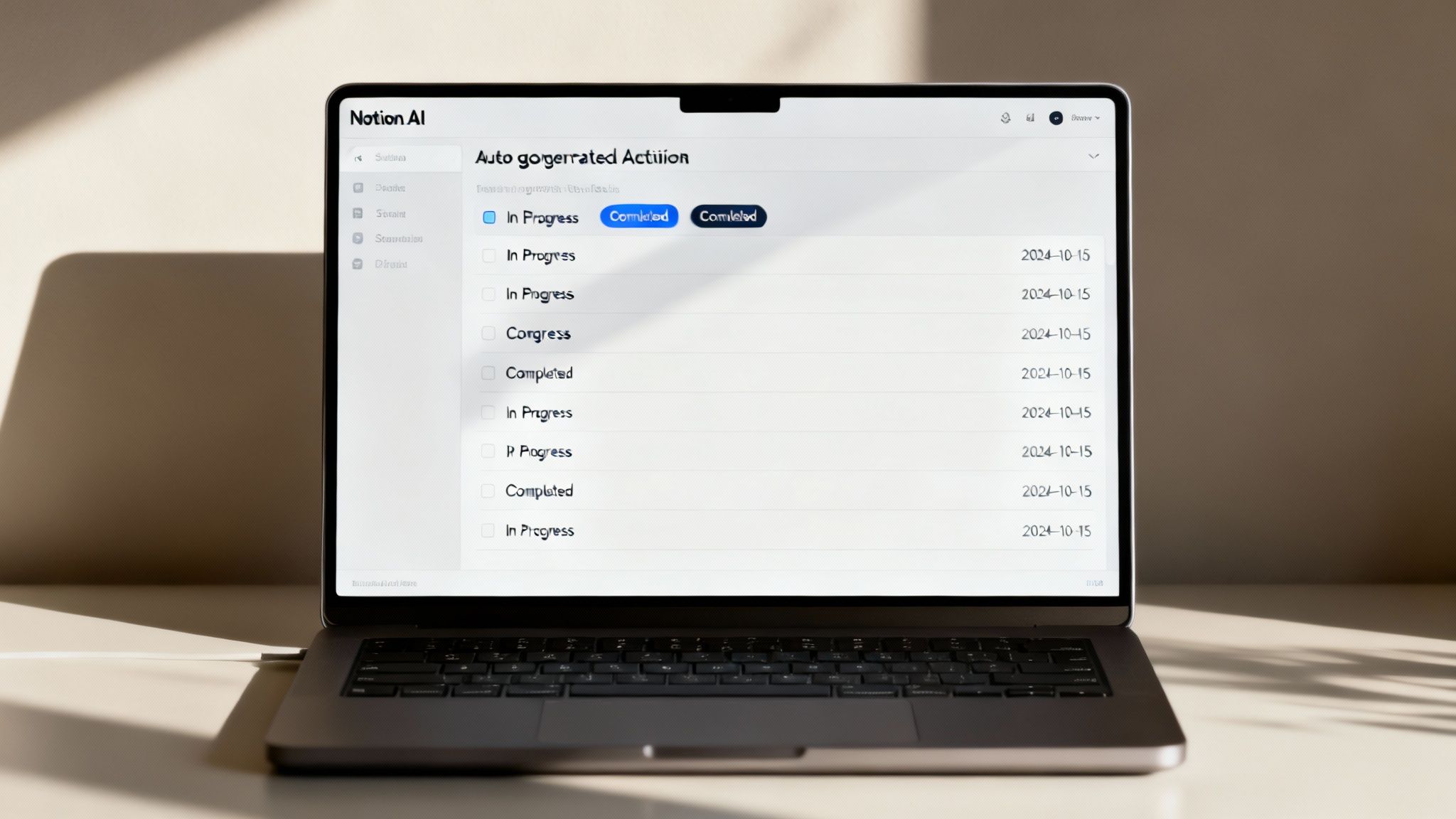
A simple checklist is a good start, but a smart checklist is what really drives accountability. Once Notion AI has generated the list of tasks, the next move is to convert that block of text into a proper database. This is a game-changer because it unlocks powerful properties that add layers of context and responsibility to every single step.
Here are the essential properties I always add:
By adding these properties, you’re no longer just listing what needs to get done. You’re defining who needs to do it, by when, and what the current progress is. This kind of structure is vital for boosting operational efficiency, an area where, frankly, many businesses could use some help. The UK has seen a major slowdown in productivity, with output per hour growing just 0.3% annually in recent years. Building clear, accountable systems is a direct way to combat this trend and make every hour count.
Your processes don't operate in a vacuum. A client onboarding checklist, for instance, might need to kick off a separate project launch checklist. This is where Notion’s "Relation" property comes in—it lets you link related checklists together, creating a seamless map of even your most complex, multi-stage workflows.
This interconnected system ensures that finishing one process naturally leads to the next, preventing crucial tasks from falling through the cracks. It’s this ability to connect disparate procedures into a unified whole that truly elevates your collection of SOPs into a living, breathing playbook.
For a deeper dive into how artificial intelligence is changing documentation across the board, this ultimate guide on AI documentation generators offers some fantastic insights. The thinking behind these AI-driven tools is becoming more and more relevant to all business operations. Our own guide on UK business use cases for the latest AI models also has plenty more ideas on this subject.
A great playbook shouldn't feel like another tool your team has to juggle. In fact, it should reduce friction, not add to it. Once you’ve transformed your SOPs into slick, actionable checklists in Notion, the real magic happens when you embed them back into the one place your team already lives: Google Workspace. This integration is what gets everyone on board.
Instead of forcing people to constantly switch between apps, you bring the playbook to them. Notion handles this beautifully. You can embed live Google Docs, Sheets, and Slides directly into your checklist pages. This means all your reference materials, templates, and crucial data are exactly where they need to be, right alongside the tasks.
Picture your "New Client Onboarding" checklist. Within the task "Complete Client Kickoff Brief," you can have the actual, editable Google Doc template embedded right there. No more hunting through a messy shared drive for the latest version; it’s always current and just a click away.
Embedding files is a fantastic start, but the real power comes from automation. Using tools like Zapier or Make, you can connect Notion to Google Workspace and set up triggers that keep everyone perfectly synchronised without anyone lifting a finger. Think of these no-code platforms as the digital glue holding your entire system together.
Here are a few real-world examples of what you can set up:
This screenshot gives you a glimpse of the triggers and actions you can set up between Google Workspace and Notion using Zapier.
As you can see, the possibilities are vast, from creating new database items to updating existing pages. It allows you to build a truly interconnected system. For startups, connecting your operations to your financial tools is just as critical; you can find our top recommendations in our guide to the best cloud accounting software for startups.
This level of integration transforms your playbook from a static document repository into the active, beating heart of your entire operation. It becomes the single source of truth that not only guides the work but helps manage it.
This principle of creating a seamless flow isn't just for internal processes. It’s just as relevant for how customers interact with your business. If you’re interested in optimising that side of things, mastering the omnichannel customer experience offers some valuable parallels. Ultimately, the goal is to make things effortless, whether for your team or your clients.
A playbook is only truly ‘living’ if it grows and adapts with your team and your business. Getting the first set of checklists built is a massive win, but the real magic happens when you start refining them over time. Without a solid system for keeping things fresh, even the most organised Notion workspace will gather dust and become irrelevant.
The aim is to create a culture where improving a process is just as natural as following one. This all starts with making it dead simple for your team to give feedback the moment they spot something that’s not quite right. If you force them to send an email or fill out a separate form, you’re creating friction – and friction is a process-killer.
The easiest way to get those crucial on-the-ground insights is right inside Notion itself. Just add a "Comments" section to the bottom of every single checklist template. Then, encourage your team to drop a quick note whenever a step feels clunky, a link is broken, or they figure out a smarter way of doing things.
This approach creates a direct, in-context feedback channel that captures those valuable little improvements that would otherwise get lost in the daily shuffle. It turns every member of your team into a process champion.
To make sure all that great feedback actually gets actioned, set aside some time for a dedicated process review each quarter. This doesn’t need to be a stuffy, formal meeting. Think of it more as a practical workshop session focused on spotting and fixing operational bottlenecks.
This is where Notion’s powerful database filters really come into their own. You can quickly surface recurring issues and get a clear picture of what needs attention. For example:
This data-driven approach takes the guesswork out of the equation. It helps you focus your energy on the improvements that will make the biggest difference to your team’s efficiency. Systematically refining how you work is essential for improving output, especially when UK labour productivity has been showing signs of stagnation. In fact, recent ONS data revealed output per hour worked was 0.8% lower than the previous year, highlighting just how important smarter internal processes are. You can find more on this productivity puzzle from The Productivity Institute.
Your playbook should be the first thing a new hire interacts with. It’s their guided tour through how your business operates, providing clarity and consistency from day one.
A well-maintained playbook is probably your most powerful onboarding asset. It gets new team members up to speed much faster and more consistently, meaning they don’t have to keep bugging senior staff for basic questions. This frees up your experienced people to focus on higher-value work. Regularly reviewing your management accounts and business performance can help you actually see and measure the time and cost savings from this slicker onboarding process.
Taking the leap to build a living playbook with Notion AI and Google Workspace can feel like a big shift. It's only natural to have questions about the practicalities, from the tools themselves to getting your team on board.
Here, I’ve pulled together some of the most common queries I hear to give you clear, straightforward answers. The goal is to help you sidestep potential hurdles and get the most out of your new, dynamic system right from the start.
Look, you can absolutely build checklists manually in Notion. But think of Notion AI as a massive accelerator. Its real magic is in its ability to digest long, dense SOPs from your Google Docs and instantly pull out the core action items. This feature alone saves hours of tedious copy-pasting and helps you create standardised templates in a fraction of the time.
For teams juggling dozens of complex procedures, Notion AI turns what could be a mammoth project into something genuinely manageable. It’s the difference between building a house brick-by-brick and using pre-fabricated walls—both get you there, but one is dramatically faster and easier to scale.
Adoption is everything; a playbook is completely useless if nobody opens it. The trick is to make the new system the path of least resistance.
Start by involving your team in the creation process. When people help refine the SOPs and see the checklists come together, they feel a sense of ownership. Also, use the integrations we talked about to connect Notion tasks to their Google Calendars and other tools they already live in every day.
The single most important factor for adoption is leading by example. When a process question comes up in a meeting or chat, your first response should always be, "Let's check the playbook." When it becomes easier to use the system than to ignore it, adoption happens naturally.
Not at all. The day-to-day use is incredibly simple: open a page, follow the steps, and tick off the boxes. The whole end-user experience is designed to be intuitive for everyone, no matter their technical skill level.
The initial setup might need one person who's comfortable with Notion databases and writing a few simple AI prompts. But once it's built, the playbook is there to clarify work, not complicate it. Its entire purpose is to provide an easy-to-follow guide for the whole team. If you do have specific questions about implementation, you can always get in touch with our team for advice.
That’s a brilliant and crucial question. You should avoid storing sensitive information like passwords or private client details directly in Notion checklists. The best practice is to make the most of Google Workspace's more granular security controls.
Here’s the workflow I recommend:
This approach keeps your workflow seamlessly connected while making sure confidential information stays protected within Google’s secure environment. It’s the smart way to build a living playbook without compromising on security.
